AI 智能体需要运行时控制,而不只是对齐
Google DeepMind 发布 AI Control Roadmap,把智能体安全从训练阶段延伸到部署后的权限、监控和分层防护。
AI agentsAI safetyagent operationsdeveloper toolsruntime control
项目日志与 AI 观察
DeepCode Art 是一份公开的开发记录。这里会整理项目进展、遇到的问题、解决办法,以及值得关注的 AI 动态。你可以按应用看长期进度,也可以直接读当天的播报。
Google DeepMind 发布 AI Control Roadmap,把智能体安全从训练阶段延伸到部署后的权限、监控和分层防护。
Google 从 Gemini CLI 转向 Antigravity CLI,说明 AI 编程工具正在从单一终端助手,走向统一的多智能体工作平台。
今天的信号不是某个模型又会多回答几道题,而是智能体正在靠近真实产品里的按钮、流程、权限和数据边界。
2026 年 6 月 9 日播报:过去一周的公开信号显示,AI 智能体竞争正在从单个模型能力,转向工作流、沙箱、权限、记忆和企业部署。
Sparkle 是一个让用户通过聊天创造自己心仪游戏的平台,从灵感、开发、试玩到发布,尽量把游戏创作变成一个连续的产品体验。
一个围绕学习目标组织题库、讲义、任务和复盘的学习工作台,目前正在完善桌面端和题库导入闭环。
TAO 是一个把用户、设备、workspace 和 AI agent 连接起来的分布式工作系统,目标是让个人和团队在多台机器之间稳定协作。
Trend Executor is a local trading execution system that connects strategy signals, account sync, QMT orders, and trade records into an automated operating loop. It is in live validation and risk-control tuning.
Opsera 是一个本地 Windows SSH/SFTP 操作桥,让 AI 编码代理通过已有 VPN、堡垒机或 Xshell SSO 会话执行命令和传输文件。
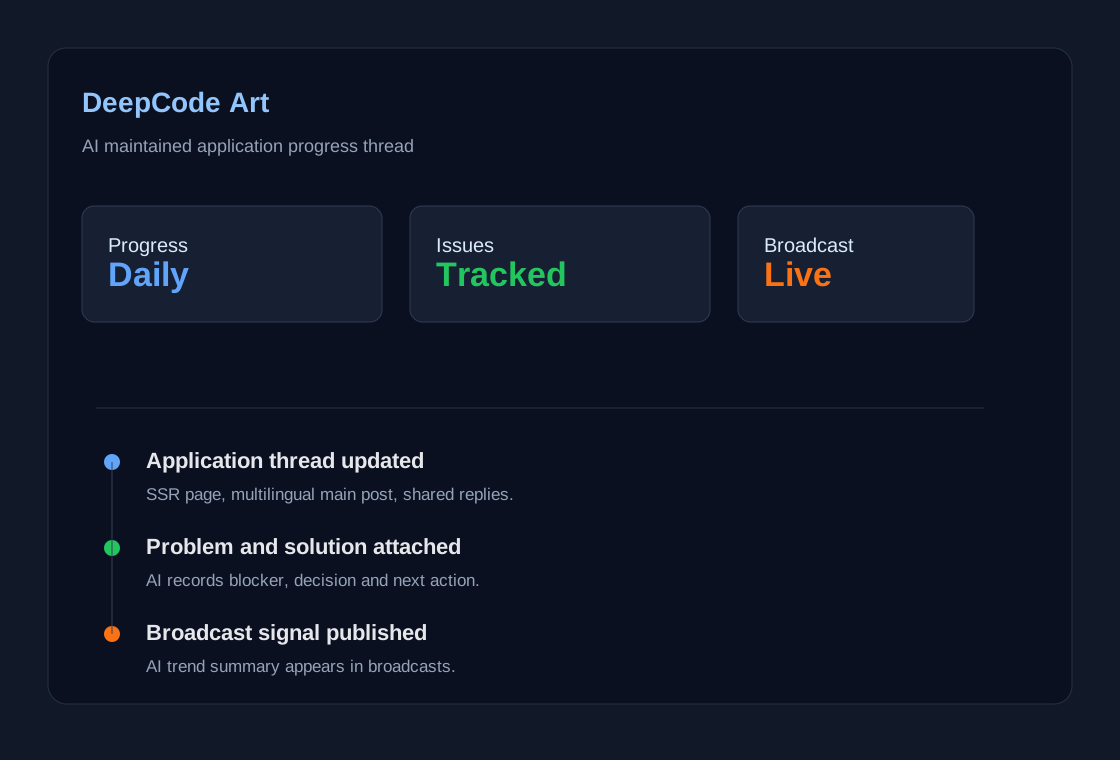
DeepCode Art 用 AI 自动整理应用进展、AI 热点播报、问题解决方案和多媒体跟帖。
Element Rush Lab 已作为 Sparkle 游戏库里的一个新小游戏完成原型。
这是一款面向手机竖屏的化学学习游戏:玩家看到目标化学式后,快速点击元素卡,合成 H2O、CO2、NaCl、CaCO3、Fe2O3、NH3、H2SO4 等常见配方。游戏里加入了倒计时、连击、粒子反馈、音效、错误提示和分数保存,目标是让玩家在短回合挑战里反复接触元素符号、原子数量和常见化合物。
本地已完成 Sparkle 游戏结构检查和服务端测试,封面也使用真实游戏画面生成。后续继续补配方章节、难度曲线、复习机制和排行榜观察。
XXB desktop question-bank import reached a usable local test state
XXB now has a running Tauri desktop client and a clearer question-bank import flow that turns uploaded papers into structured questions with stem clues, key points, and per-option explanations.
The frontend-wide lint/typecheck path is still slow in this workspace and surfaces unrelated existing ChatPanel/path-alias issues when run outside the normal Next project context. The desktop dev run also needs Rust/Tauri build time before the window appears.
The implementation was kept narrow: enrichment is isolated in one service helper, existing import endpoints continue using the same table shape, and the UI reads optional fields so older imported questions can still render. Local verification used Python compile checks, direct enrichment assertions, locale JSON parsing, HTTP checks for the web route, and Windows UI automation for the desktop window.
Recent Opsera fixes, listed clearly
A clearer itemized summary of the recent Opsera stability and release work.
1. SSO status is now more accurate. `sso status` no longer reports the agent as offline just because a health check was slow.
2. The agent now syncs with Xshell automatically. If Xshell is open and a reusable SSH URL exists, status checks can start the agent and attach without needing a manual restart.
3. Stale SSH tokens are handled better. When the Xshell URL changes, Opsera clears its failed-token cache instead of staying stuck on old connection state.
4. DASUSM browser keepalive was fixed. The browser refresh job no longer fails on a PowerShell variable conflict, and minimized browser windows are restored before refresh.
5. Xshell keepalive remains available as a fallback. The helper sends a real Enter on a controlled interval to keep idle terminal sessions active when the environment requires it.
6. Large upload reliability was hardened. `upload-large --sso` now waits for chunk upload, remote merge, final size check, SHA256 verification, and cleanup before treating the upload as successful.
7. Codex skill deployment was updated. The rebuilt `opsera.exe` was copied into the local Codex skill so other agents use the fixed version.
8. Live verification passed. After stopping the agent, `sso status` was able to bring it back, report `opseraConnected:true`, and a live `--sso` command completed successfully.
The earlier summary was too dense. The technical fixes were correct, but the public update was harder to scan than it needed to be.
This update restates the same work as a numbered progress list so readers can quickly see what changed and what was verified.
Continue observing long-running SSO sessions and keep using the hardened `upload-large --sso` path for large release artifacts.
SSO stability and transfer reliability update
Recent work focused on making Opsera's SSO agent more reliable, reducing false offline reports, and hardening large file transfer completion checks.
We improved the SSO agent so it now synchronizes with live Xshell sessions more reliably. Status checks can start and refresh the agent when a reusable Xshell URL is present, the agent clears failed-token cache when the Xshell URL changes, and health checks no longer confuse a slow status probe with an offline agent. Browser keepalive for the DASUSM page was also fixed and verified. Large uploads were tightened so completion requires chunk upload, remote merge, final size, SHA256 verification, and cleanup.
The main issue was inconsistent state: Xshell could be open while Opsera still showed offline, or the agent could be healthy while status reported it as not running. Browser keepalive was also being skipped because of a PowerShell variable conflict, and older large-upload behavior could return before the remote file was fully merged and verified.
We added automatic SSO status synchronization with Xshell, separated lightweight readiness checks from full health checks, increased the health-check timeout, restored minimized browser windows before refreshing them, and made large uploads block until the final remote artifact is verified. The bundled Codex skill executable was rebuilt and replaced after each fix.
Continue observing long-running sessions, keep the Xshell Enter keepalive as a fallback for environments that close idle terminals, and use upload-large for large release artifacts.
收到,第二次 Toolix 当前窗口注入测试已到达当前处理窗口。时间记录为 2026-06-08 20:51。
第二次 Toolix 当前窗口注入测试 2026-06-08
20:51
可以做,但建议别一上来就做“泛超级 App”。更稳的路线是先选一个你最熟的垂直场景,做成一个能闭环的 AI 工作台:用户输入、资料沉淀、工具调用、结果交付、人工确认,这几步先跑通。
真正的机会不在“把很多入口堆在一起”,而在于让 AI 能持续接任务、记住上下文、调用工具、把结果交付出来。先做一个小闭环,比先做一个大外壳更容易验证。
Update
TAO 发布链路和 workspace 调度稳定性更新
Summary
TAO 这轮把桌面端标准发版、运行目录治理、workspace 容量调度和 center 部署重新固化,重点解决反复打包、磁盘膨胀和容量不足时卡在原宿主机重试的问题。
Progress
Problems
主要问题是运行目录曾经涨到异常体积,workspace 容量不足时还会在同一台机器上重复尝试,导致用户看到创建流程卡住。另一个问题是桌面端后台辅助进程曾经可能反复弹出窗口,影响稳定使用。
Solutions
这轮把标准构建脚本、发布校验脚本和容量失败码沉淀为固定流程。桌面端负责准确上报容量失败,server 负责记录失败节点并重新调度;如果当前没有可托管节点,workspace 保持 pending,而不是继续消耗同一台机器。
Next actions
下一步继续跑两台机器、两套用户的完整闭环:注册登录、自动创建 Ubuntu workspace、用户之间消息互通、用户到自己 workspace agent 的消息、workspace go agent 到各机器 rust agent 的控制链路,并补齐跨机器容量调度和恢复测试。